Free online whiteboard for real-time collaboration
Unlock your team’s potential with Confluence whiteboards, a dynamic, collaborative space for visual thinking, team alignment, and project execution.

See Confluence whiteboards
come to life
Brainstorm, plan, and collaborate in one shared space
Confluence whiteboards help teams move from scattered ideas to shared understanding. Capture thoughts quickly, organize them visually, and create a clear path from discussion to action.
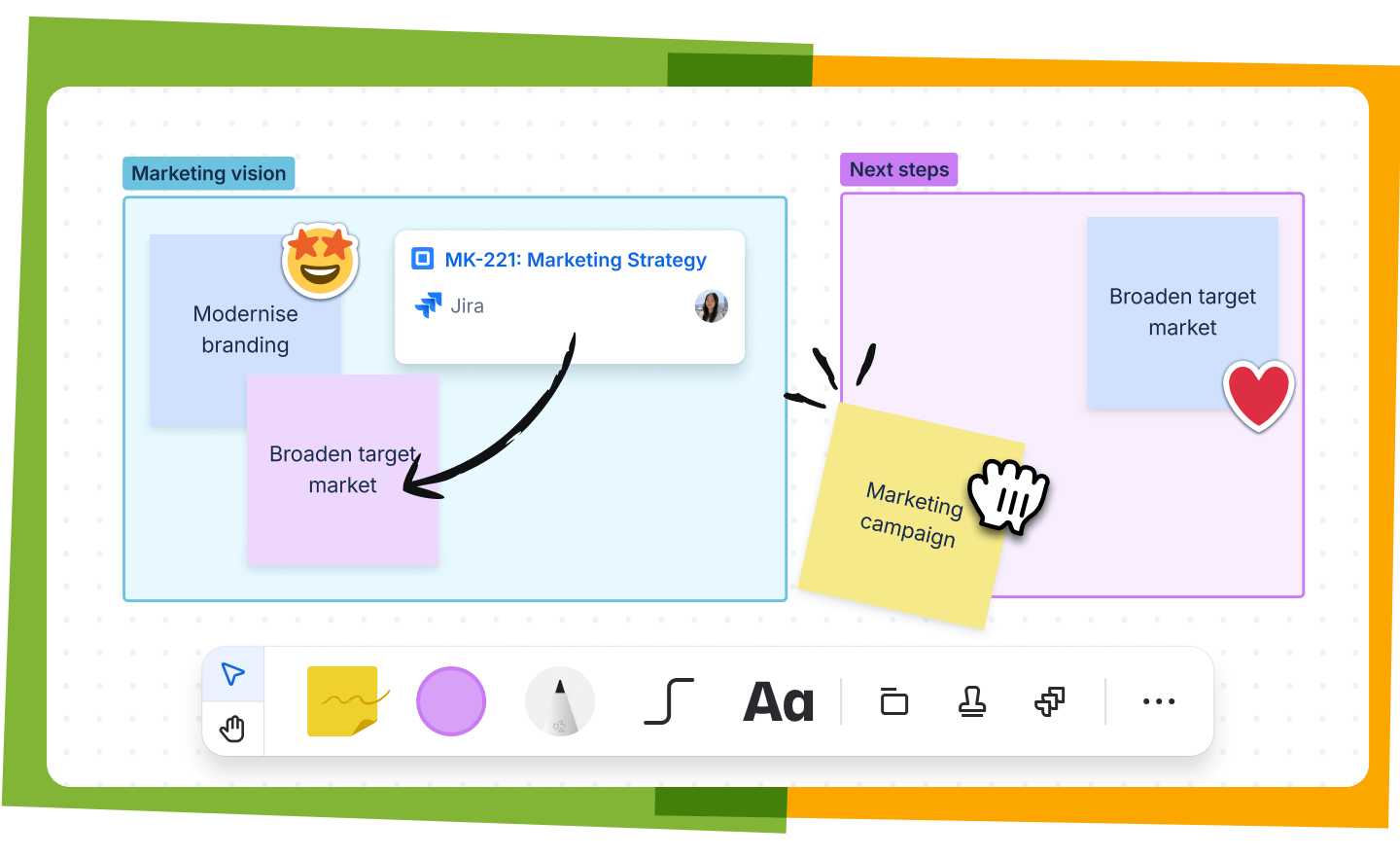
Organize ideas visually
Turn abstract ideas into clear plans with sticky notes, shapes, connectors, drawings, and sections.
- Capture ideas as they happen
- Group related themes and priorities
- Map workflows, decisions, and next steps
- Create a shared view of complex information

Collaborate in real time
Work together on the same canvas whether your team is in the same room or spread across time zones.
- Edit together in real time
- Add comments, mentions, stamps, and reactions
- Keep workshops and brainstorming sessions focused
- Let teammates contribute live or async
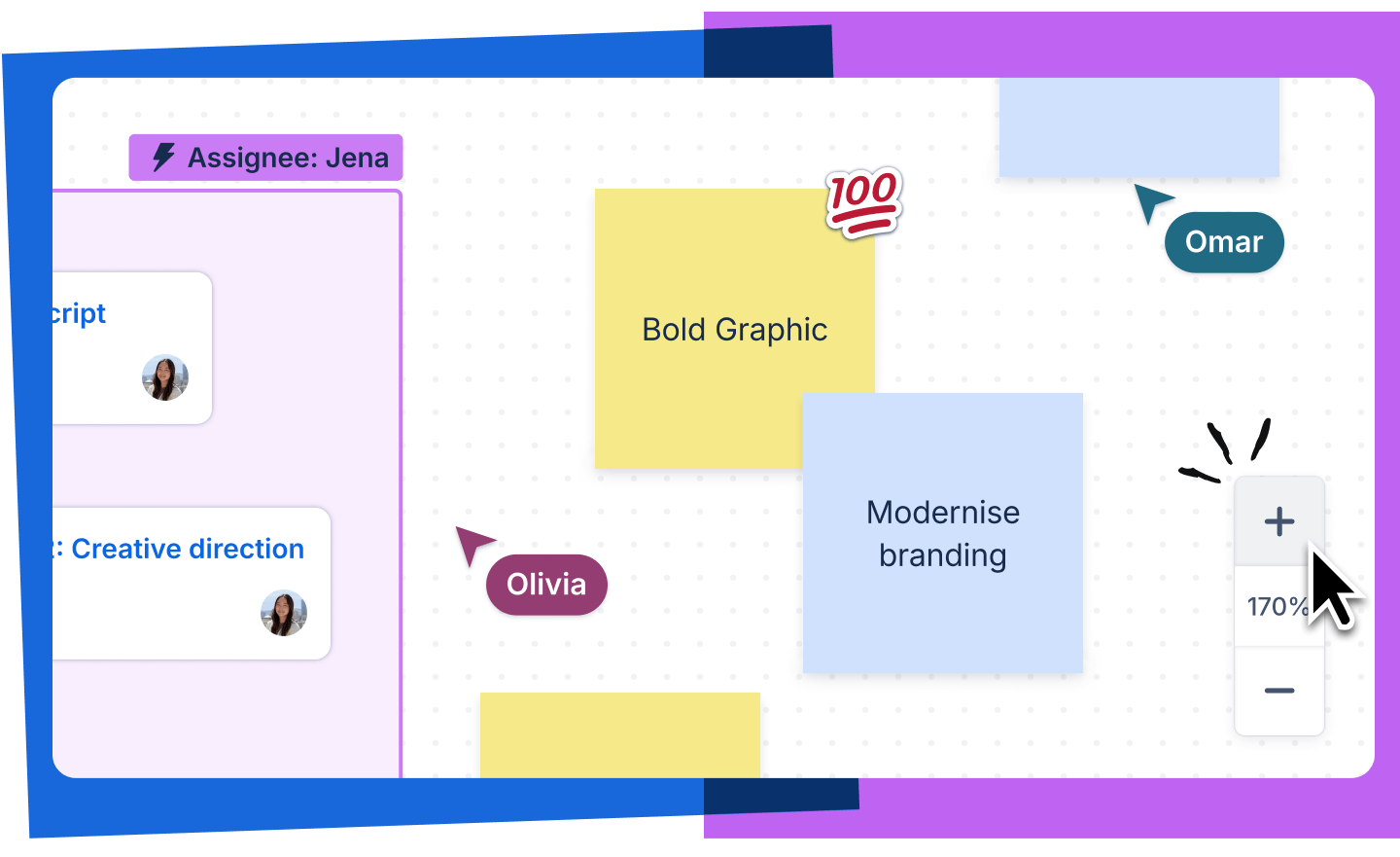
Create without limits
Use an infinite canvas to explore ideas freely, then zoom in on the details when it’s time to refine the work.
- Expand your workspace as ideas grow
- Zoom out to see the full picture
- Zoom in to refine details
- Build diagrams, maps, plans, and workflows in one place
Powerful features for visual collaboration
Sticky notes
Capture quick ideas, tasks, questions, and feedback during brainstorms, workshops, and planning sessions.
Shapes and connectors
Create diagrams, map workflows, and show relationships between ideas with flexible shapes and lines.
Drawing tools
Sketch, write, and annotate directly on the canvas to explain ideas more clearly.
Stamps and reactions
Make collaboration more engaging with quick visual feedback during live or async sessions.
Templates
Start faster with ready-made templates for brainstorming, diagrams, planning, retrospectives, and more.
File uploads
Add images, diagrams, videos, GIFs, and other files to give your team more context in one workspace.
Explore free online whiteboard templates
Confluence offers a variety of pre-built templates designed for all kinds of collaborative activities to jumpstart your team’s projects.

Brainstorming
Capture ideas quickly, organize themes, and move your team toward the strongest concepts.

Fishbone diagram
Identify root causes, map contributing factors, and explore solutions visually.

Flowchart
Map processes, decision paths, and workflows in a clear, easy-to-follow format.
Why teams choose Confluence whiteboards
Built for every stage of teamwork
Use whiteboards for early brainstorming, project planning, decision-making, retrospectives, and team alignment.
Connected to your team’s knowledge
Keep ideas close to the documents, plans, and decisions that help move work forward.
Flexible for live and async work
Collaborate in real time during meetings or let teammates add ideas and feedback on their own schedule.
Integrated with your favorite tools
Connect Confluence with Jira, Slack, Trello, Microsoft Teams, Figma, Google Drive, Dropbox, and more.

“You create more ownership of your own decisions and of the future of the company. Transparency makes your employees better entrepreneurs, which we think is a huge win.”
Katie Burke
Chief People Officer, Hubspot
96% of customers say our integrations are superior*
Designed for depth and speed—and it shows. Try Confluence with Slack, Jira, Trello, Microsoft, or 3,000 others to see for yourself.
*according to Atlassian's customer survey








Discover all the ways you can use Confluence

Company-wide collaboration
Be more productive and efficient while collaborating with other teams.

Knowledge management
Scale fast and be more productive when you manage information efficiently.

Wiki
Keep everyone informed with a collaborative workspace to share team insights and information.