
Punch list template
Track and resolve outstanding tasks with a punch list template that helps teams deliver polished, complete projects every time.
BEST FOR
Project management
Operations
KEY FEATURES
Task planning
Prioritization
Pipeline management
What is a punch list template?
A punch list template is a project management tool for tracking and managing incomplete, incorrect, or missing deliverables that must be addressed before a project can be considered complete.
What started as a tool for construction teams—traditionally designed to track building tasks and repairs—is now essential for project managers across all industries to ensure quality delivery.
Fun fact: A punch list is called a punch list because contractors historically punched holes in paper next to each completed item on their task lists. This simple but effective method of tracking completion status gave rise to the term we use today.
Task description
The punch list template includes detailed descriptions of each task requiring attention. These descriptions cover specific requirements, acceptance criteria, and quality standards that must be met.
Clear documentation helps prevent miscommunication and ensures that all team members understand exactly what needs to be completed during project planning.
Resource management
Effective resource management helps teams complete punch list items efficiently. The punch list template integrates with resource management tools to help project managers allocate team members and resources effectively. By organizing tasks based on available resources and skills, teams can optimize workflows and prevent bottlenecks.
What does the punch list template include?
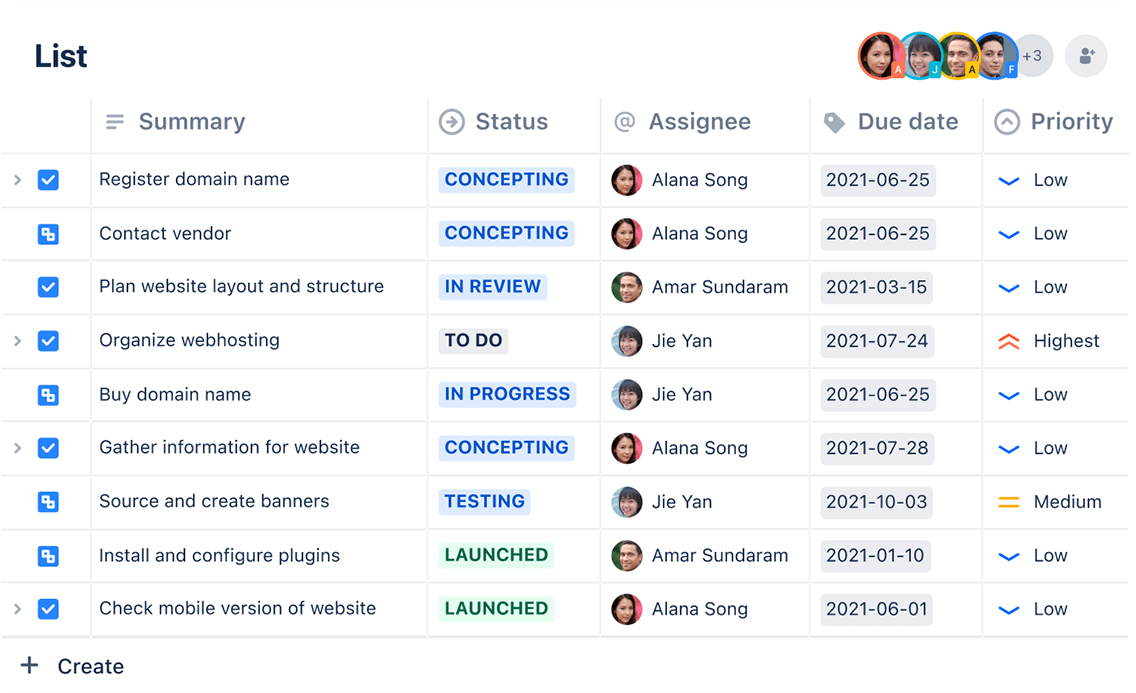
Lists
Different teams visualize and track their work in various ways. The list view in Jira is a spreadsheet-style interface that makes tracking and organizing work across projects easy. Teams can quickly scan through items or apply filters to focus on specific aspects of the punch list, enhancing project management efficiency.
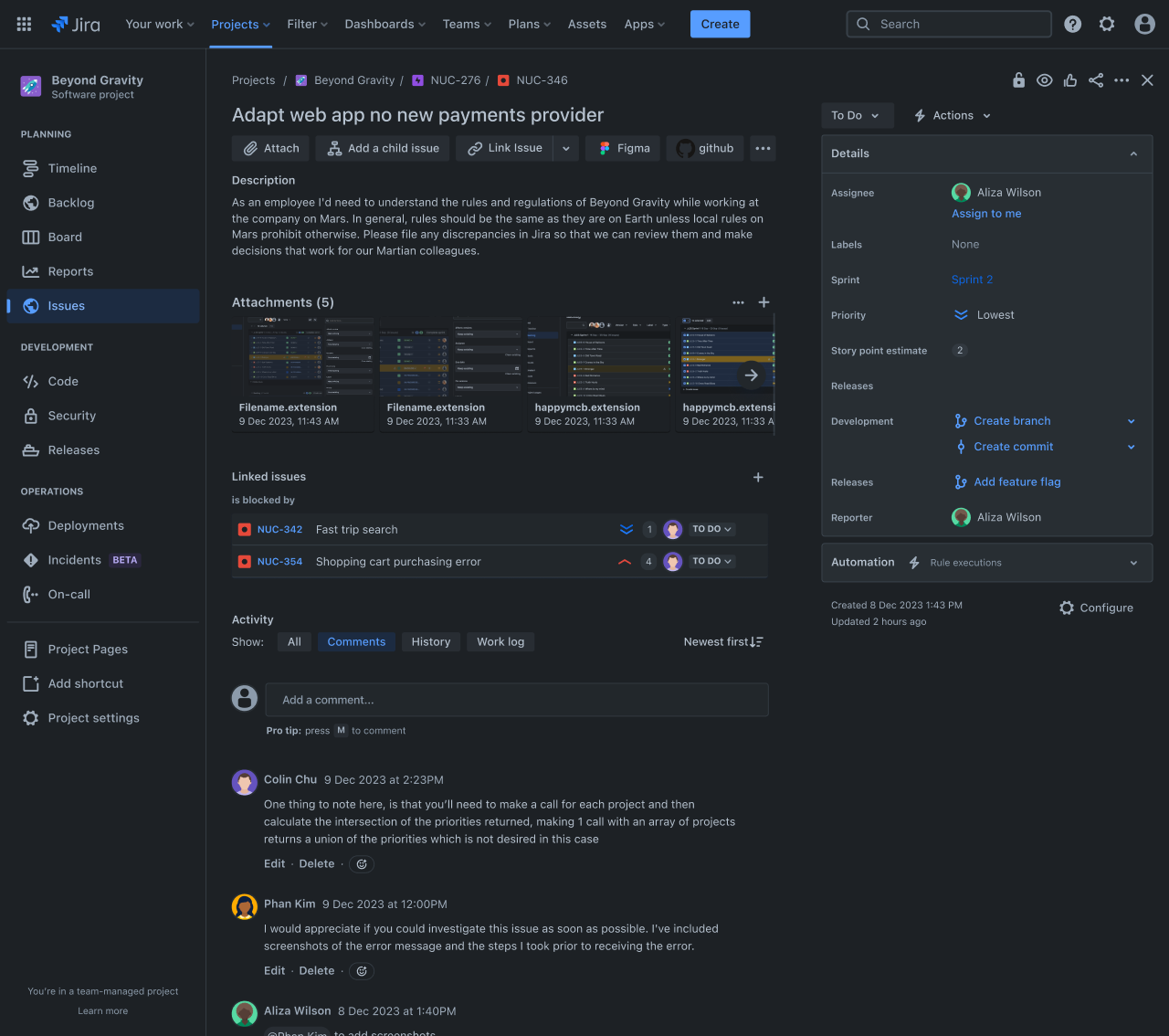
Calendar
Using this template, you can track and manage every unfinished task or issue in one organized place. It allows you to mark items as urgent, set clear deadlines for completion, and assign tasks to specific team members.
By breaking the work into sprints, everyone knows what they need to do and when it needs to be done. The template makes it easy to see which tasks are still open and which are finished, helping your team stay aligned and ensuring nothing gets overlooked.
Regular check-ins on these items ensure steady progress and give you confidence that everything will be completed on time.
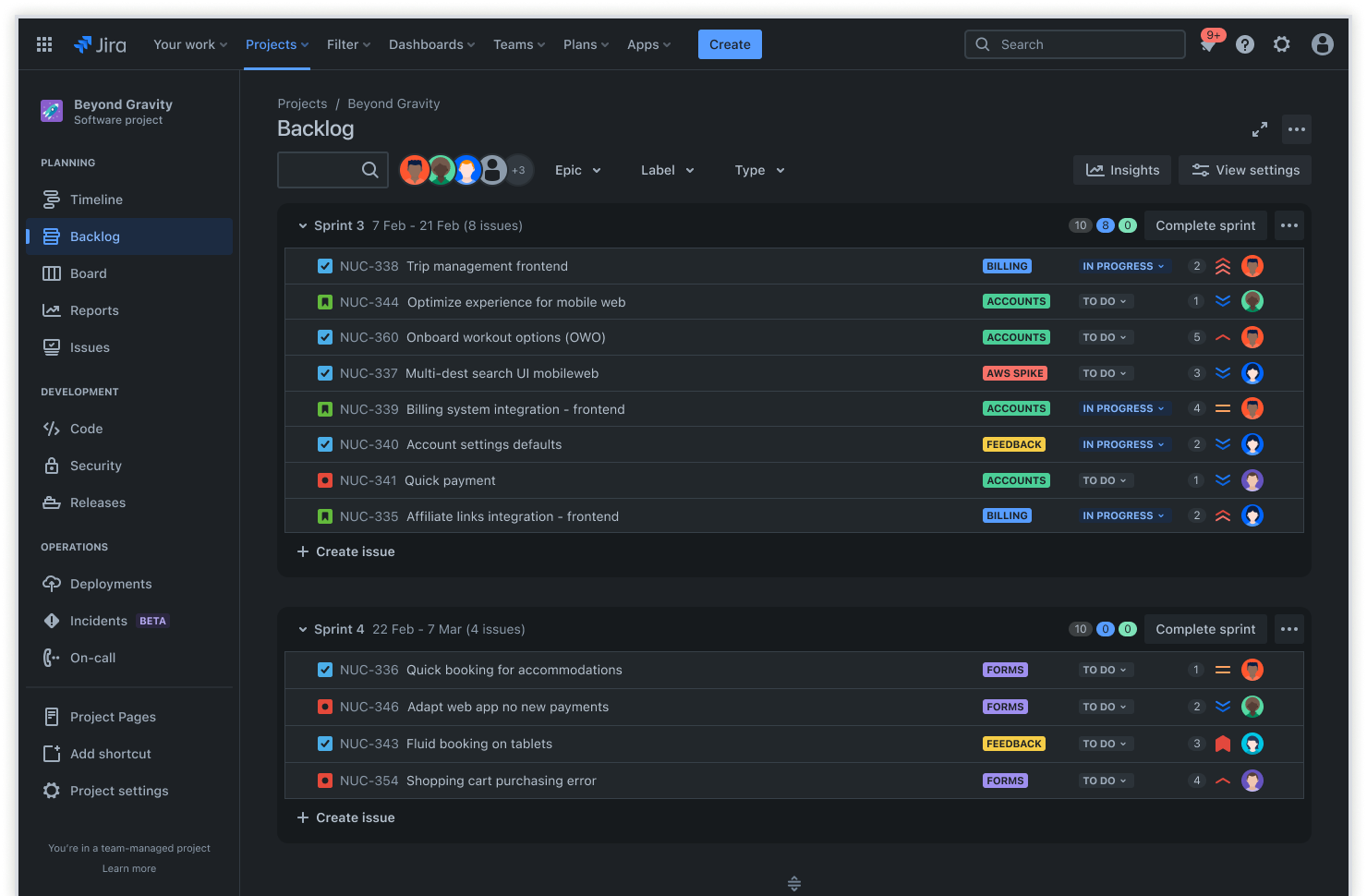
Backlog
The backlog feature helps teams maintain a comprehensive view of all outstanding tasks. Effective sprint planning allows teams to organize and prioritize work items while clearly understanding the project scope. This approach ensures that no critical tasks are overlooked during the final project life cycle phases.
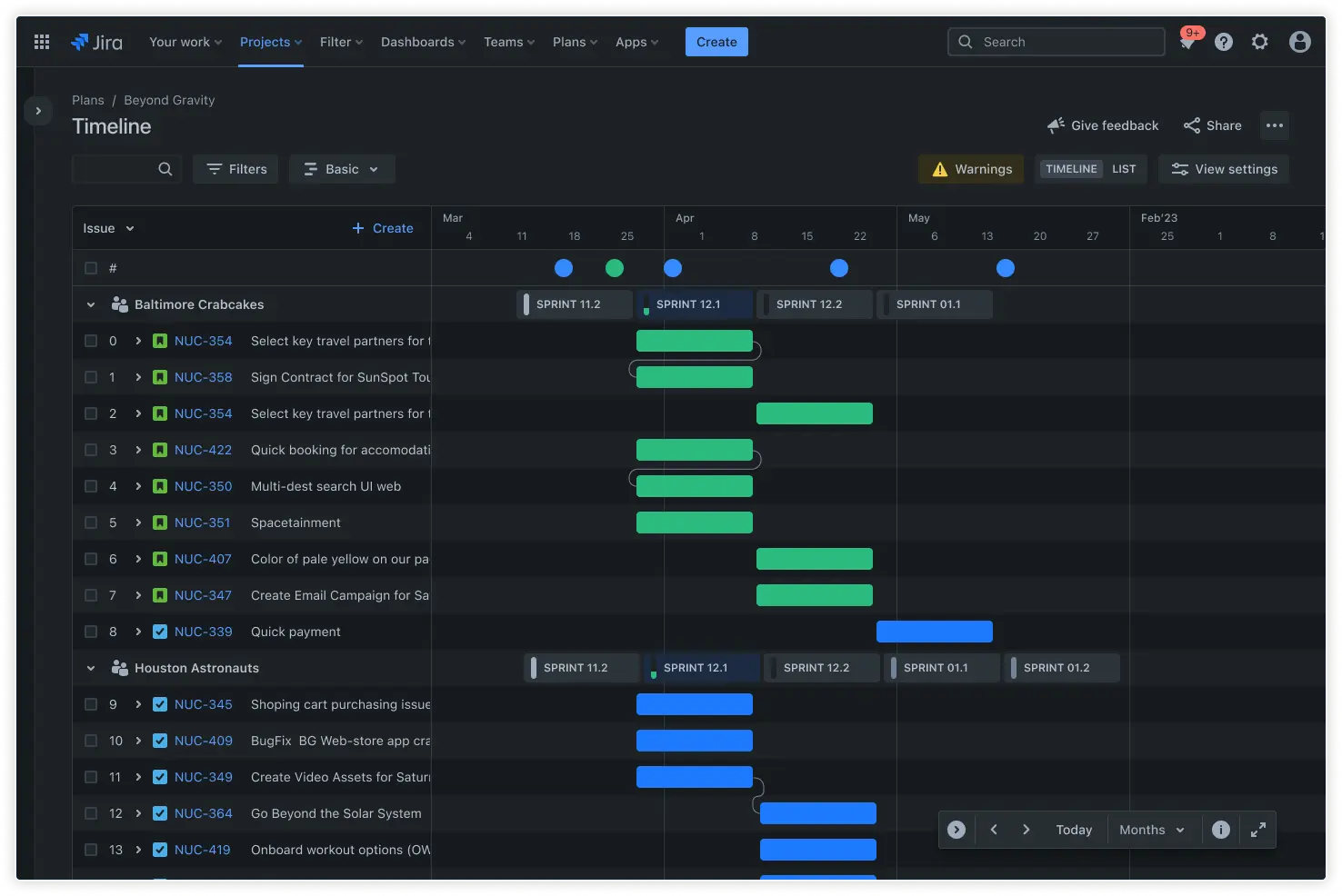
Roadmaps
A punch list template fits seamlessly into your broader project planning initiatives. Teams can align punch list items with project objectives and goals while maintaining the visibility of longer-term milestones through strategic decision-making processes.
Integrating your punch list with your overall project roadmap ensures that every small task contributes to your bigger-picture objectives and that nothing important is overlooked.
How to get started with the punch list template
- 1
Identify project scope
Map out your project scope and identify every deliverable that needs to go on your punch list. This critical planning stage helps your team understand what needs to be delivered and prevents scope creep later on. Review project objectives and get stakeholder input to ensure nothing important is missed from the start.
- 2
List tasks
Before you can call the project done, build a detailed inventory of everything that needs to be completed. This should go beyond just the major deliverables and include all the minor adjustments, quality checks, and final touches that make the difference between a good and great project. Work with your team to brainstorm and document these items while they're fresh in everyone's minds.
- 3
Add columns for task stages
Set up columns like "Not Started," "In Progress," and "Completed " to create a clear visual system for tracking progress. This organization method gives teams an instant snapshot of where work stands and helps identify bottlenecks before they become problems.
Consider adding custom columns that match your team's workflow, such as "Waiting for Review" or "Ready for Testing."
- 4
Assign responsibilities
Assign each punch list item to specific team members, ensuring everyone knows what they own and need to deliver. Clear ownership prevents tasks from slipping through the cracks and helps team members prioritize their work effectively.
When assigning, consider each person's workload and expertise and create clear channels for communication if someone needs help or clarification.
- 5
Set priorities and deadlines
Work with your team to establish realistic priorities and deadlines for each task, taking into account project dependencies and overall timelines. Some items may need immediate attention, while others can wait.
Being clear about these priorities helps teams focus their energy where it matters most. Consider using tags or labels to highlight high-priority items and set up automated reminders for approaching deadlines.
- 6
Monitor and update
Keep your punch list current by regularly reviewing progress and updating task statuses. Schedule quick daily or weekly check-ins to discuss roadblocks and celebrate completions.
Consistent monitoring helps catch potential issues early and keeps everyone aligned on progress. Make it easy for team members to flag new issues or concerns as they arise and adjust priorities and deadlines based on progress.
Related templates
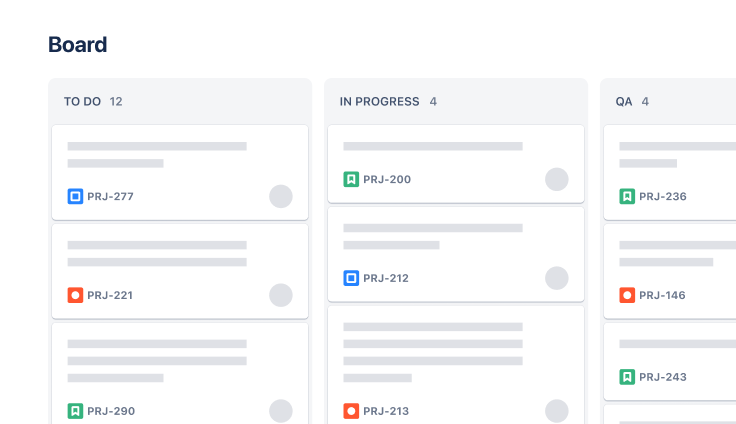
Software Development
Kanban board template
Manage a continuous delivery of work on a powerful board.
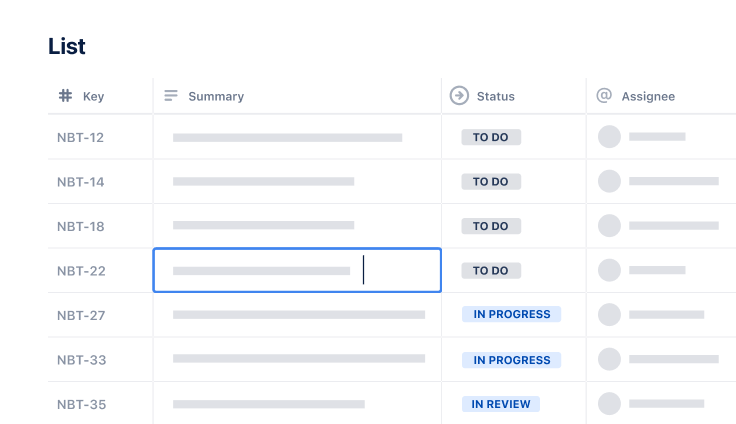
Project Tracking
Task Tracking Template
Organize all tasks within team projects using this task tracking template from Jira.
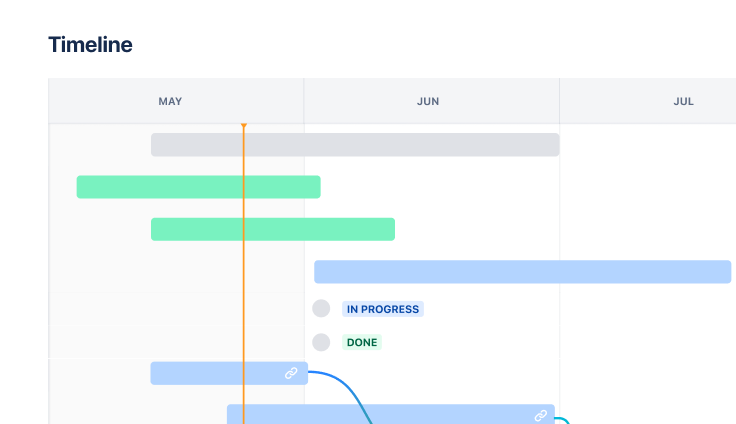
Marketing
Jira project management template
Manage activities for completing a business project.
Ready to use this free template?
Explore more templates to supercharge teamwork
Empower everyone, on every team. Build, connect, and deliver your biggest ideas seamlessly across Atlassian apps using our complete collection of ready-made workflows.